How to Choose an Office Chair for Long Hours
Compare chair fit, lumbar support and Aurora adjustments for long working days. Send EGROspace your floor plan for chair selection and free CAD layout support.
How to Choose an Office Chair for Long Hours
Why Chair Fit Matters at a Workstation
Long working hours make small chair mismatches difficult to ignore. Poor seat height, weak lumbar support, armrests that hit the desk and unsuitable casters can contribute to back discomfort, restricted movement and fatigue. EGROspace helps buyers check chair fit against the desk, flooring and available movement space before approval.
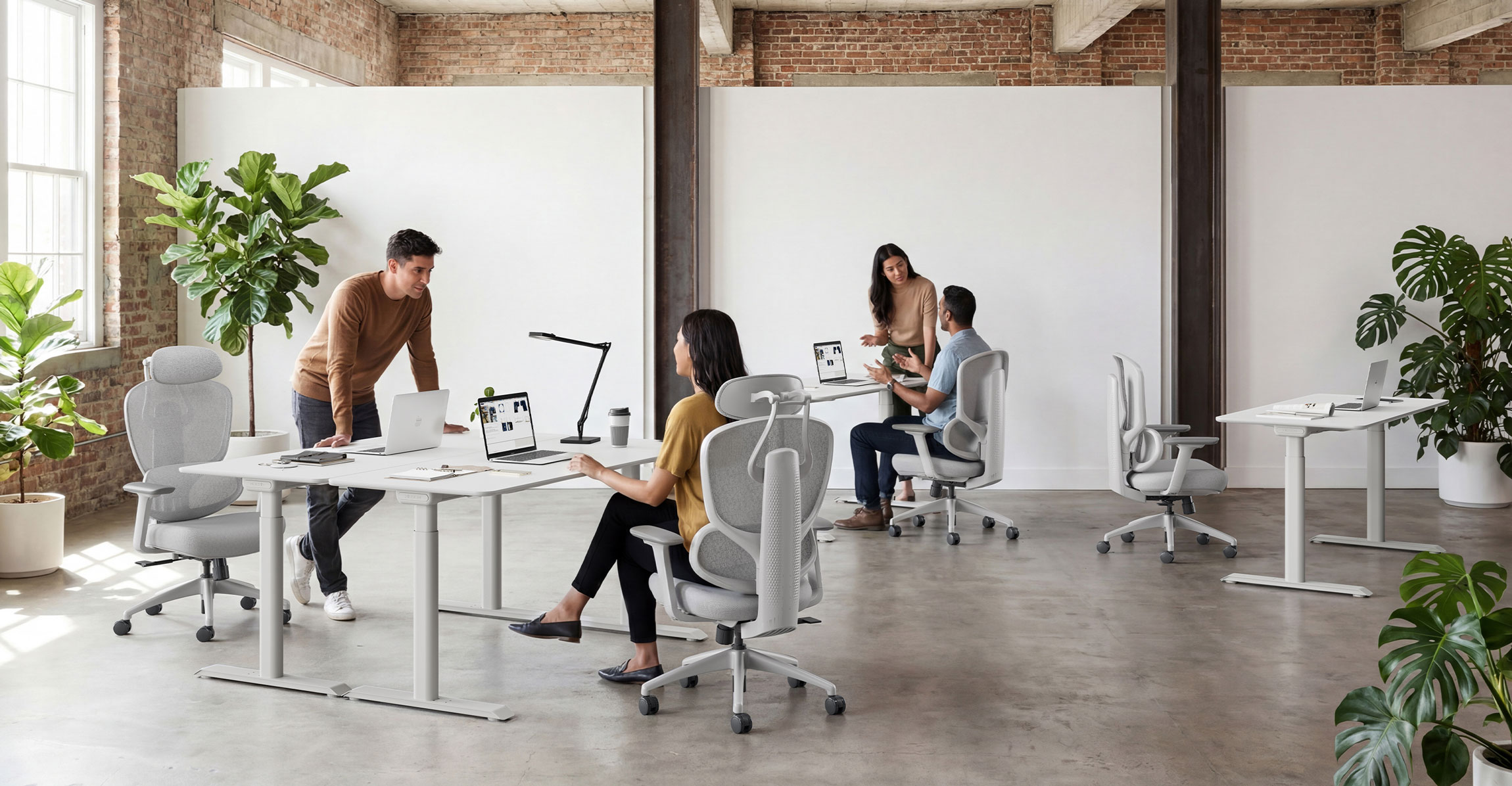
This guide focuses on the checks that matter most: seat and desk fit, lumbar support, adjustable controls, materials, movement space and a realistic sample test.
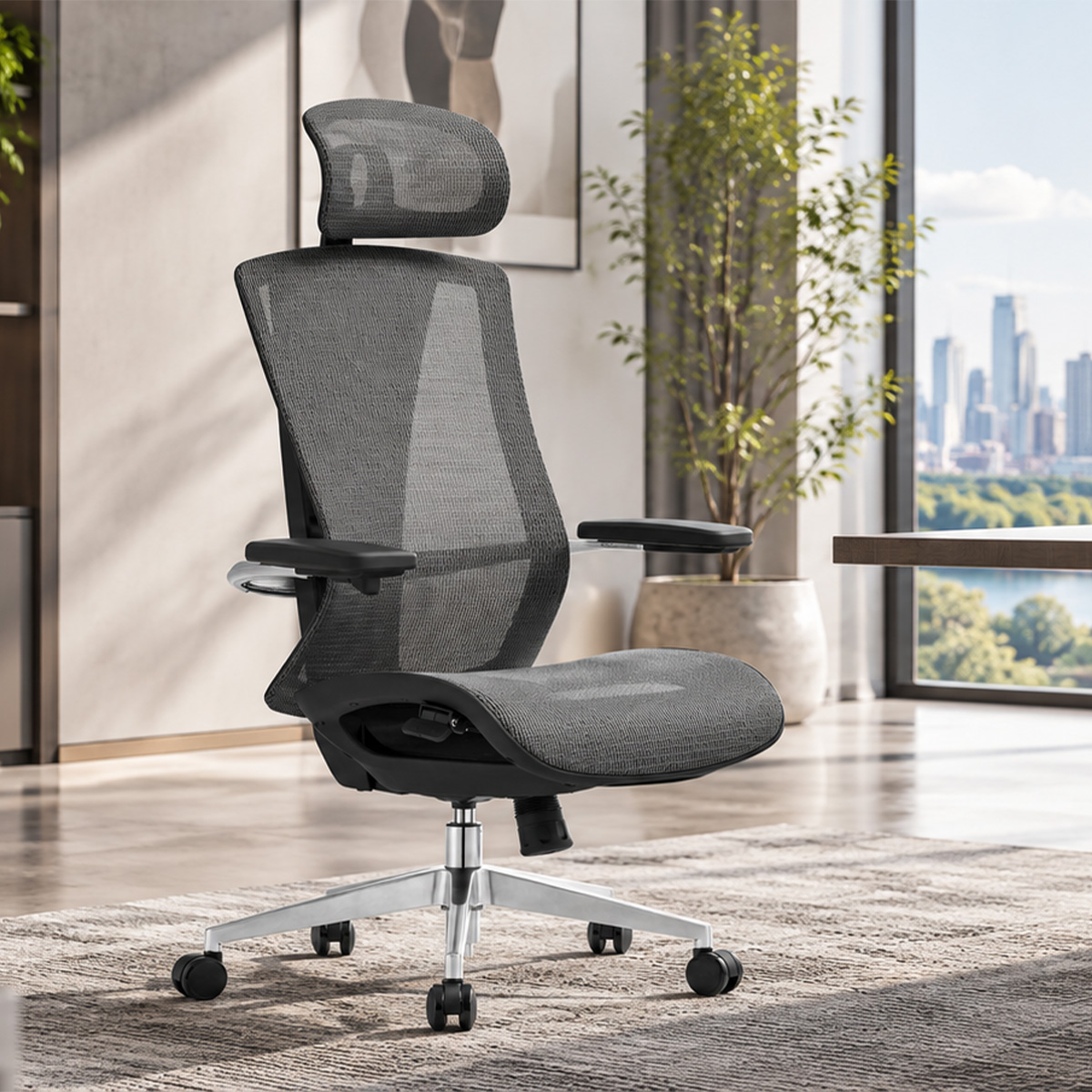
This office chair guide explains the main selection points and uses the Aurora mesh office chair as a practical example for long-hour workstations.
Define the Daily Use Before Comparing Features
Begin by defining the usage scenario: expected daily sitting time, whether users share the chair, and how often they recline, turn and stand. These conditions determine which adjustments matter and where the budget should be focused.
Task chairs in open workstations are adjusted and moved more frequently than visitor chairs. Compare products against the real usage pattern instead of choosing the longest feature list.
The word ergonomic is used differently across markets and does not prove that a chair fits every user. Check measurable items such as seat-height range, backrest height, lumbar position, armrest adjustment and tilt-lock positions, then confirm the fit with a sample.
Four Checks That Prevent Daily Discomfort
Most long-hour chair problems fall into four practical categories. Each can be checked against the product specification, physical sample and workstation drawing.
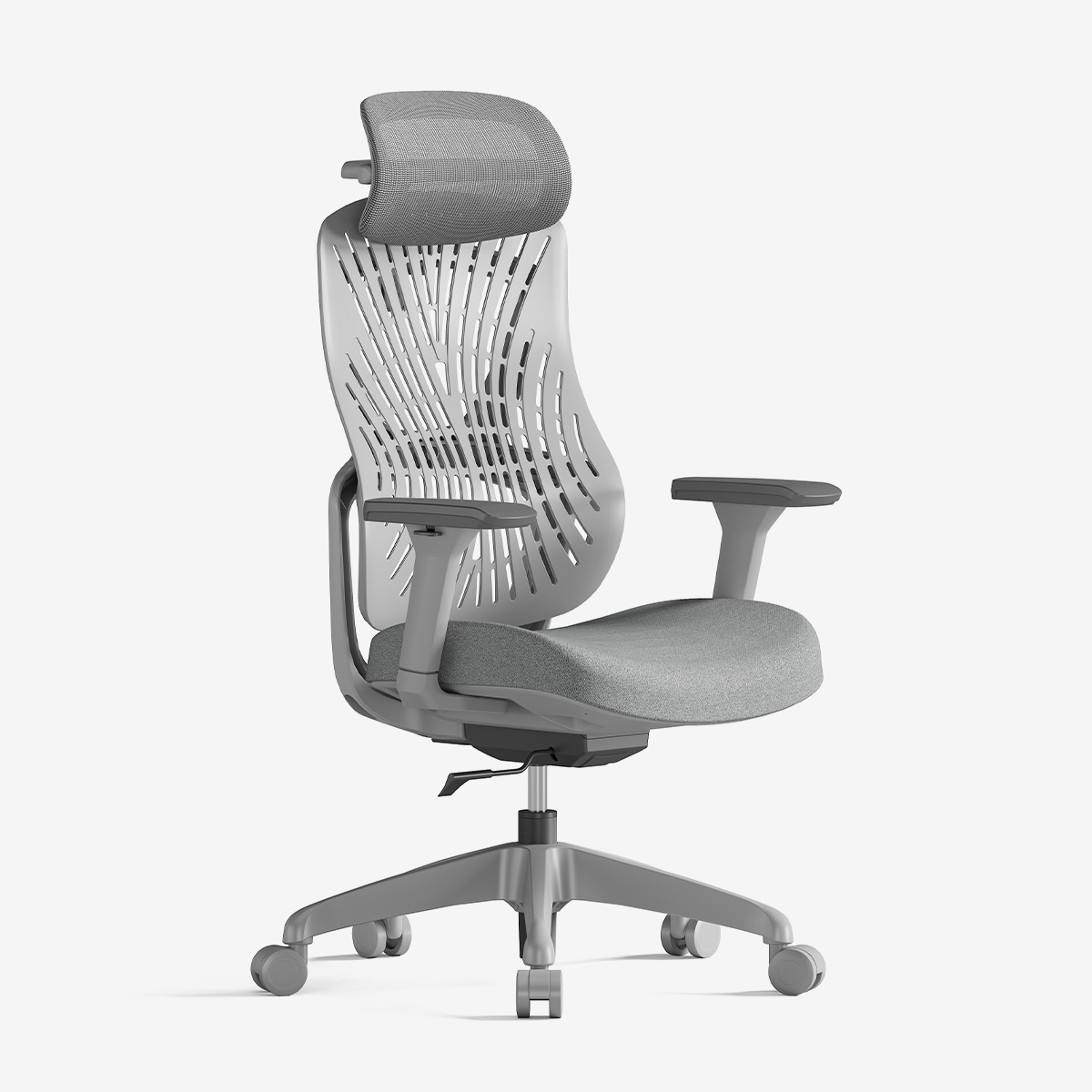
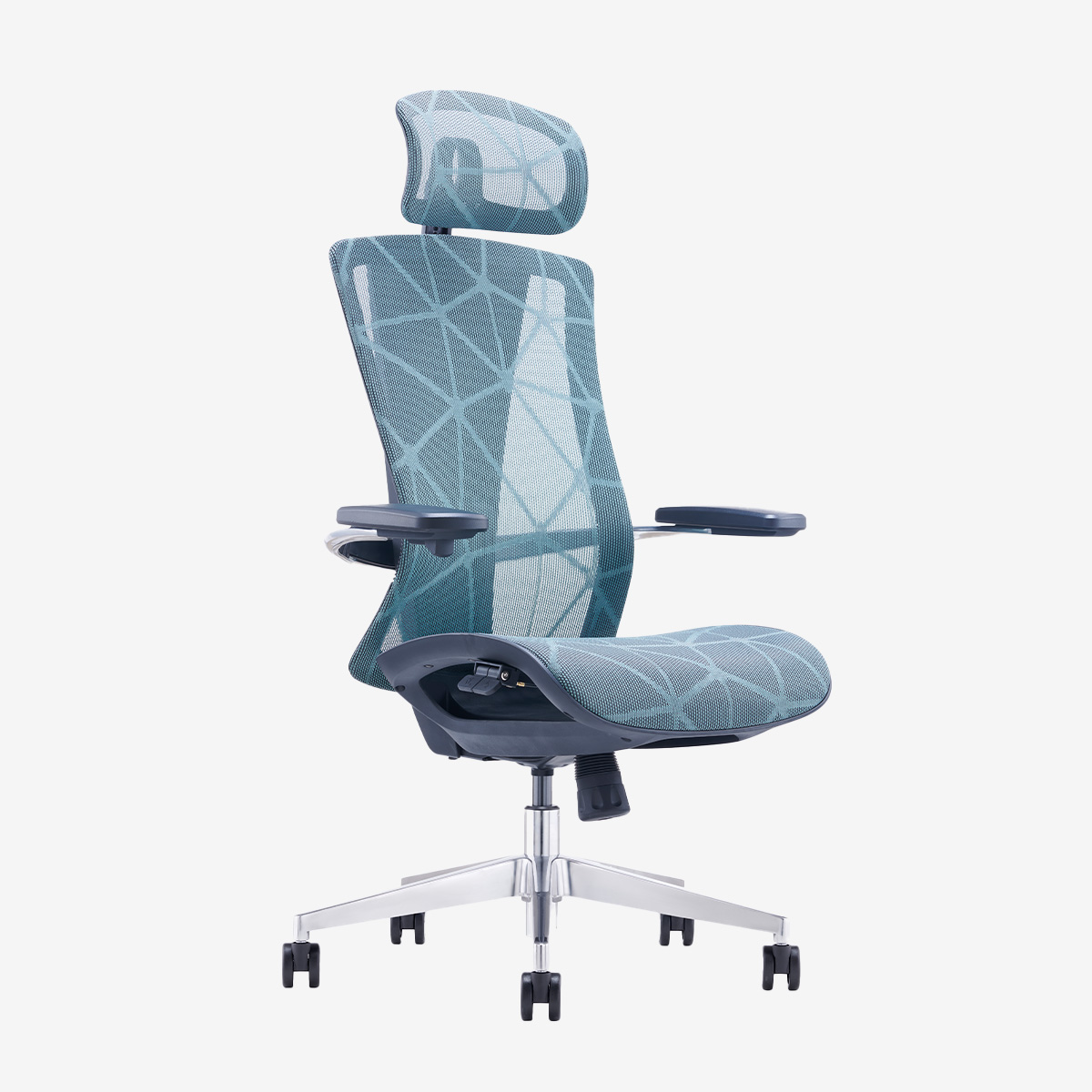
Size matching: seat height against the tabletop, armrest clearance under the desk, and the space the backrest needs when the chair moves back. Repeated interference - armrests hitting the table edge, a chair that will not slide under the desk, a cabinet brushed when standing up - is what wears on a long day. On the Aurora Mesh Chair, the corresponding specifications are a 13-position backrest with a 5 cm height range, 3D adjustable armrests and seat-height adjustment. Verify them on a sample with both feet flat, arms resting naturally on the desk and the armrests clear of the table edge.
Posture adjustment: Check backrest height, lumbar position, recline and locking positions. Users lean forward to type, sit back to read and turn for conversations, so the mechanism should support natural changes in posture. Aurora provides a five-position lumbar support with 4.5 centimeters of front-to-back travel, a 3D dual-link headrest and four locking positions.
Frequently operated parts: Handles, the tilt mechanism, gas lift and casters are used every day. Operate every control without looking and roll the chair on the project flooring. A brief showroom trial cannot confirm long-term durability, but it can reveal awkward controls, resistance and interference.
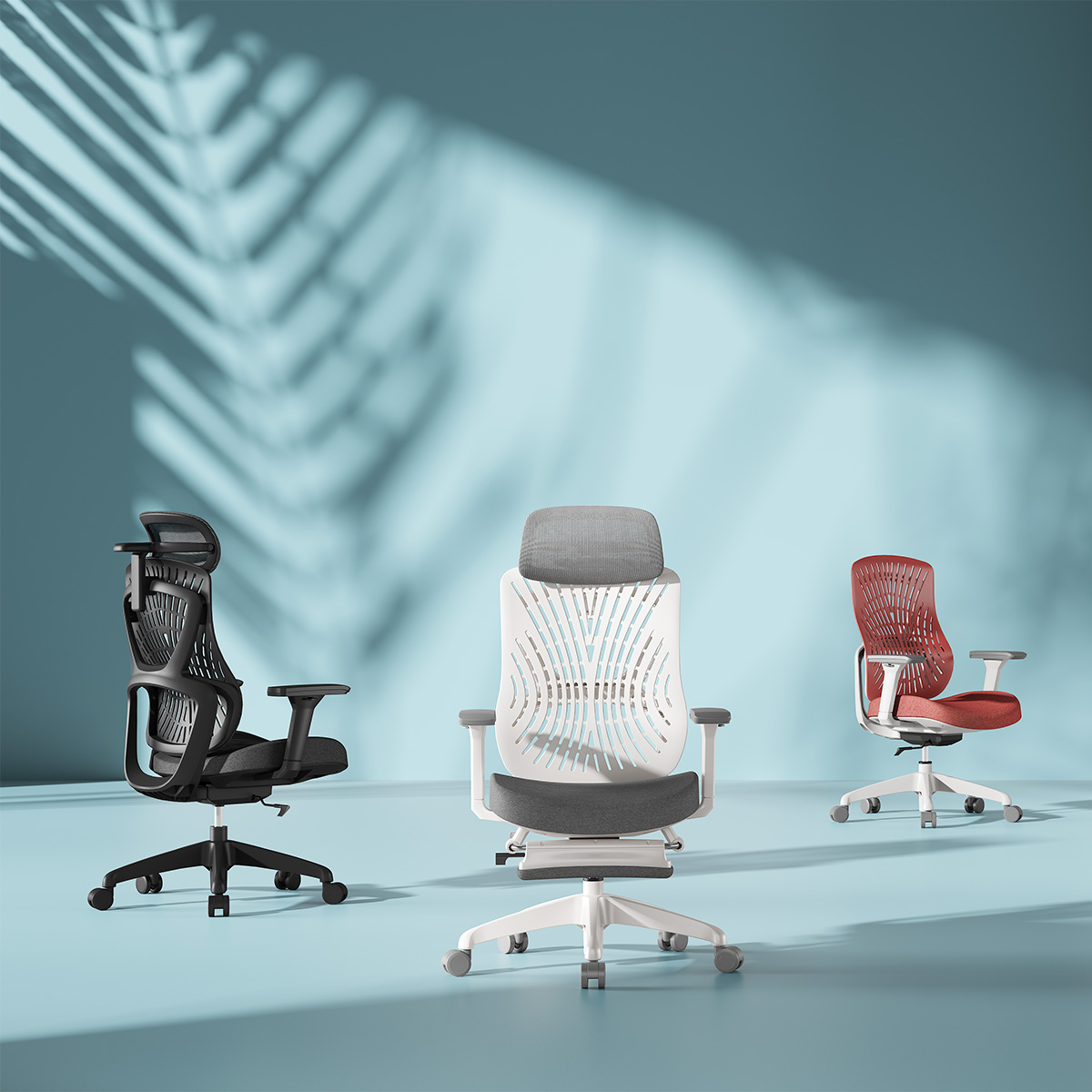
Contact surfaces and the environment: Compare mesh tension, cushion rebound, fabric feel, cleaning requirements and caster compatibility with the actual floor. Aurora is available with high-elasticity mesh or fabric, an eco-friendly PP seat shell and molded foam. Confirm the approved swatch, colour number and cleaning method under the project's lighting conditions.
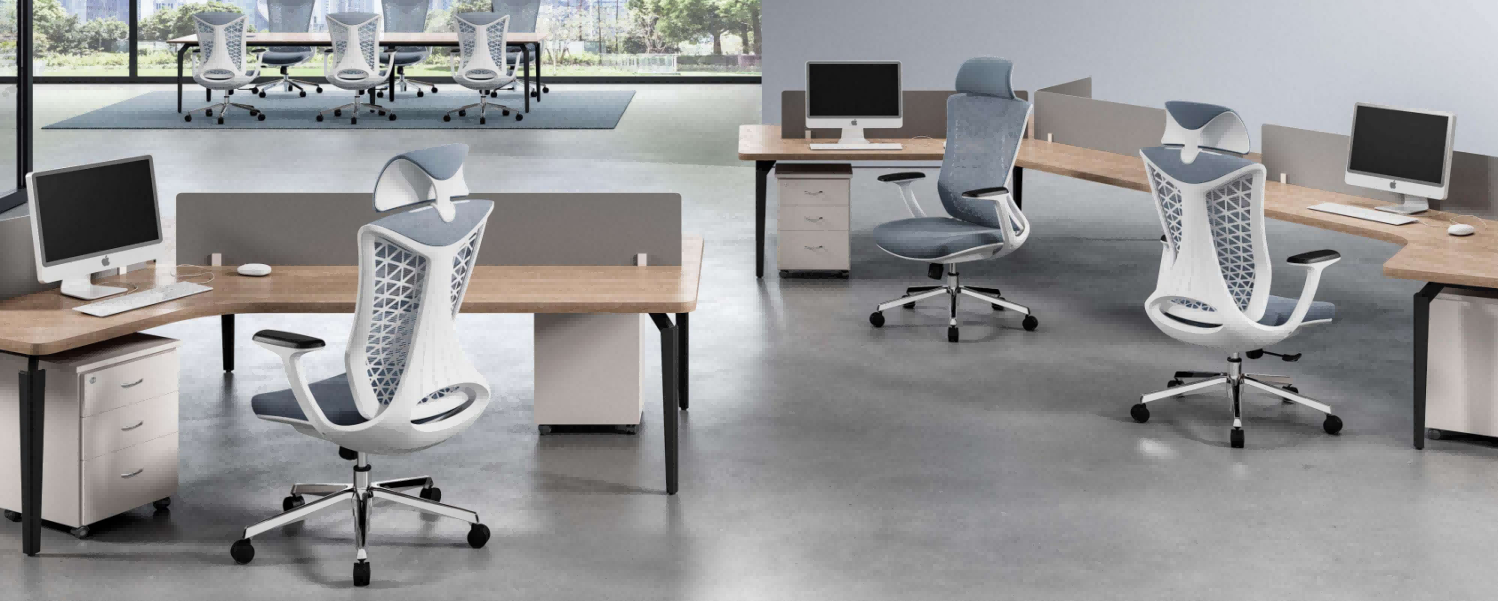
These four categories are a checking method, not a quality ranking. Review them together with the desk height, floor finish and available movement space. Final approval should refer to the current sample, signed colour swatch and correct specification version.
|
Decision Point |
Aurora Mesh Chair |
Basic Fixed-Function Chair |
|
Backrest fit |
13-position backrest with a 5 centimeter height range |
Often fixed or available with limited adjustment; verify the exact model |
|
Lumbar support |
Five positions with 4.5 centimeters of front-to-back travel |
Usually fixed or basic; verify the support range |
|
Armrests |
3D adjustable armrests |
Often fixed or height-only |
|
Tilt control |
Four locking positions |
May offer fewer locking positions |
|
Project coordination |
Sample verification plus free CAD layout support |
Frequently evaluated as a chair-only specification |
Match Chair Specification to Sitting Time
Long-hour workstations justify more adjustment, but short-stay areas may not need the same configuration. Using one high specification everywhere can waste budget on functions that meeting and visitor chairs rarely use.
Compare the total cost of a mismatch, including rejected samples, replacement, additional installation and user complaints. The goal is not the lowest unit price or the longest feature list, but the correct chair for each usage zone.
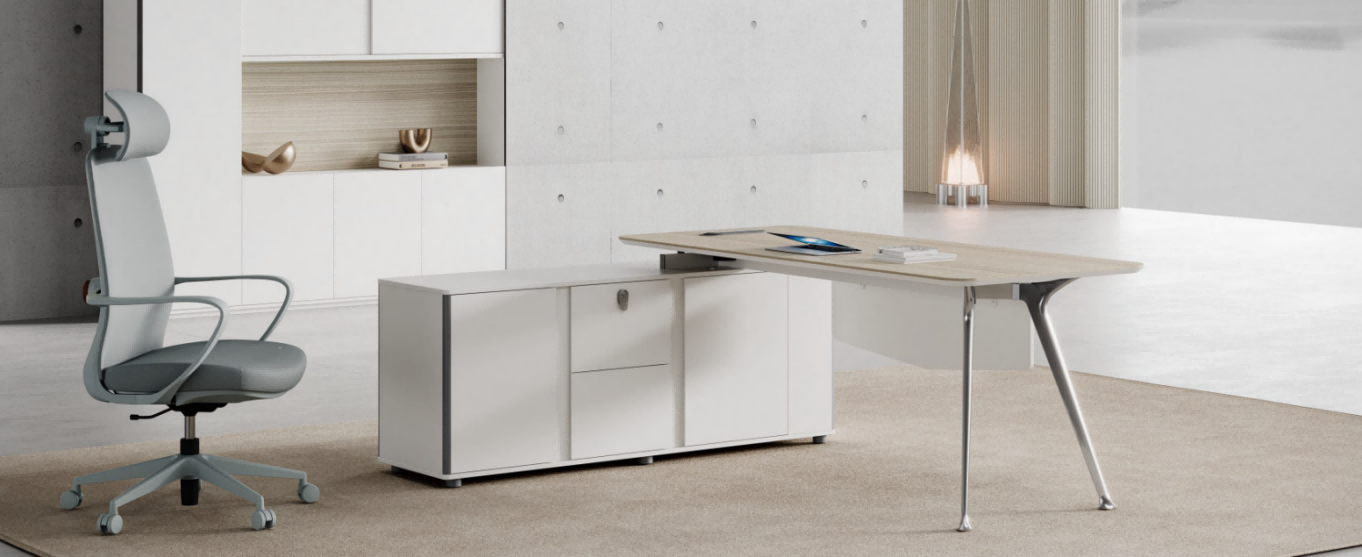
Test the Chair in Real Working Positions
A three-minute test only captures a first impression. A useful trial should reproduce the movements people make during a normal working day.
Adjust the seat height so both feet are flat and the arms rest naturally on the desk; check whether the armrests clear the table edge; test reclining, returning and locking; stand up, push the chair back, turn to reach something and slide it under the desk again; finally roll it on both carpet and hard flooring. When users vary noticeably in height, have a shorter and a taller colleague each run the same sequence. The Aurora chair is equipped with multiple adjustable components, allowing it to fit your body to the greatest extent.
Record verifiable results instead of writing only that a chair feels comfortable. Note armrest interference, foot position, control reach, tilt operation, caster movement and contact with storage behind the chair. Trial seating reveals fit and operating issues, but it does not replace durability documentation or confirmation of the final configuration.
Long Hour Office Chair Selection Checklist
Before approving the chair schedule, check the following items:
- Expected daily sitting duration and whether the chair will be shared
- Seat-height range and whether both feet can rest flat at the selected desk height
- Armrest height and width, including clearance below or beside the worktop
- Backrest height, lumbar position, recline range and available locking positions
- Control placement and whether the gas lift and tilt mechanism operate smoothly
- Caster type and compatibility with carpet or hard flooring
- Chair pull-back and turning space relative to storage and aisle clearance
- Mesh or fabric tension, cleaning method, approved sample and colour number
- Current versions of the specification, sample approval, installation instructions and warranty terms
Confirm the Chair with the Workstation Layout
Office chairs are not selected in isolation. Seat height must work with the desk, armrests need sufficient clearance, and chair movement must fit within the workstation and aisle. Quantities and chair types should also correspond to the usage of each area shown on the floor plan.
The commercial seats of EGROspace are classified into office chairs, supervisor chairs, meeting and visitor chairs, and leisure sofas, which makes it convenient to distinguish between long-term workstations and short-term areas for comparison. The workstation system page can be used to review seat spacing, aisle width, and usage duration, and it precisely matches the functions of different areas for comparison.
EGROspace provides free CAD layout support to check desk height, chair movement, aisle clearance and quantities before production. Coordinating the chair and workstation together reduces the need for cushions, footrests or layout changes after installation.
For long-hour workstations, use the four criteria above to evaluate the Aurora Mesh Chair against the actual desk, floor finish and user range. View the Aurora Mesh Chair.
Conclusion
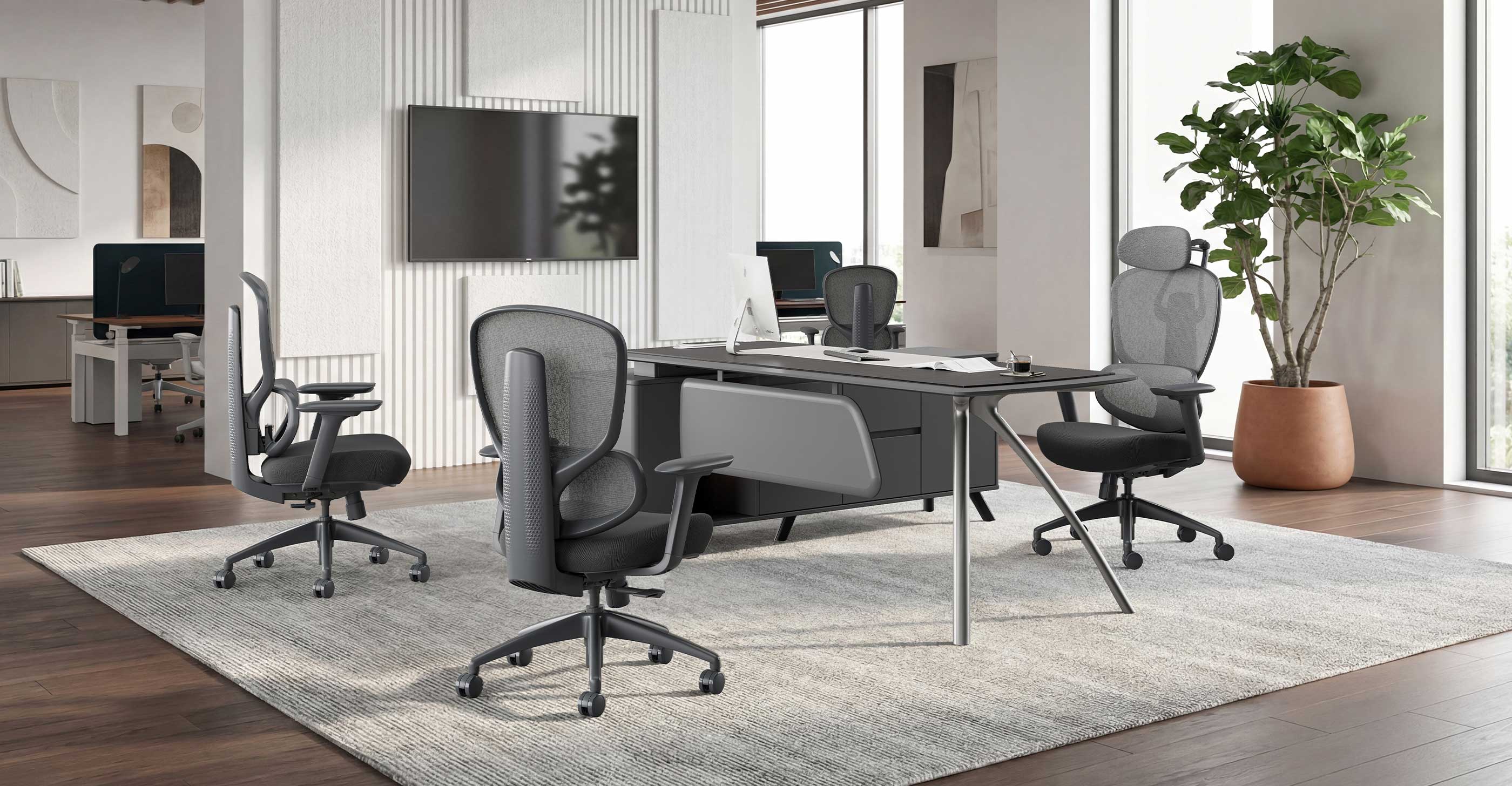
Choose a long-hour office chair by measurable fit: seat height, armrest clearance, lumbar position, control reach and movement on the project flooring. Confirm the decision with the current specification, an approved sample and the workstation drawing.
EGROspace supplies the Aurora Mesh Chair alongside task, executive, conference and lounge seating, with free CAD layout to align seat height, circulation space and quantities at drawing stage. If you are specifying chairs for long-hour workstations, send us your floor plan, expected daily sitting hours, desk height and floor finish; we will confirm the configuration, samples and a project quotation. Contact the EGROspace team to discuss your layout.
EGROspace - One-Stop Office Furniture Solutions | www.egrospace.com | lyon@egrospace.com | WhatsApp +86 181 2563 9790